obdtool another blog
obdtool in ukobdtool another blog
obdtool in ukBest Quality FGTech V54 Galletto 4 Master
Which EDC17 Reader works well for a good price?
BDM100, FGTECH 54, MPPS v16, kess v2.06 or any other tools/ solution is optional?
Let’s hear from some experienced ECU tunners.
- For EDC16 iam using BDM100 from china.
- I USE fgtech galletto 4 master AND IS OK. no problem.
- I read one EDC17 in Audi A4 with MPPS v16.
- Another EDC17 I read in boot mode with galletto v54 good china clone... Do job perfectly.
When you have problem, just try this way: uninstall all fgtech software. Install basic version. Connect tool and give drivers. Unplug tool. Remove basic. Install Win7 version. Plug tool + drivers. Done.
- I use the kess v2.06 reworked pcb and fw updated, like 08 what is available...is great tool, recently KESS FM V4.036 available, haven’t test it, but I think it will do. As told by eobd2.fr customer service, the older fw kess v2 is available to update firmware by returning back the main unit to them and charge $89, but the QC number has to be ended with 015.
- I use byteshooter does most ecus obd2, inclusively edc17 first models until 2009, first generation. For late edc17 byteshooter reads very good on table, only resistor adding is needed. If you want good tool go Byteshoter. Never had issues with it. Galetto v54 reworked pcb works good too.
- CMD CAN Flasher dont can read write all edc17 by obd, only a few.
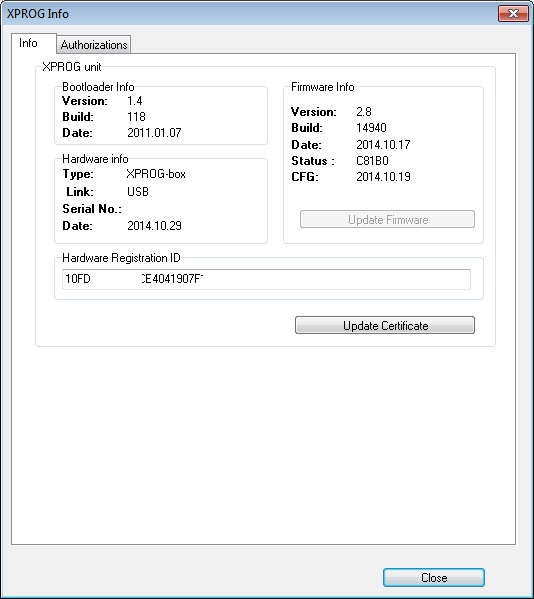
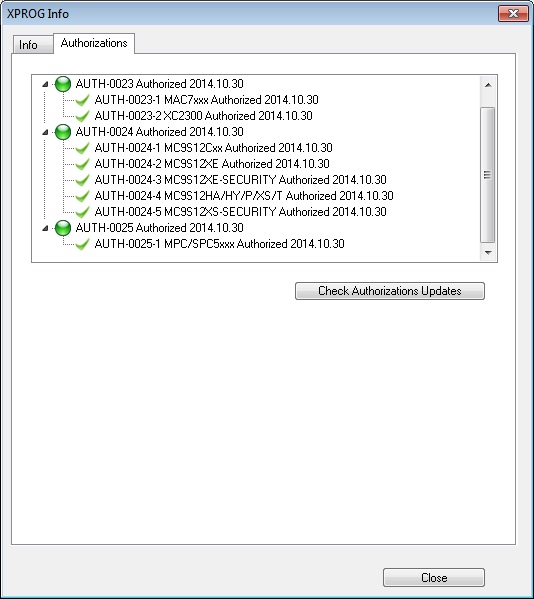
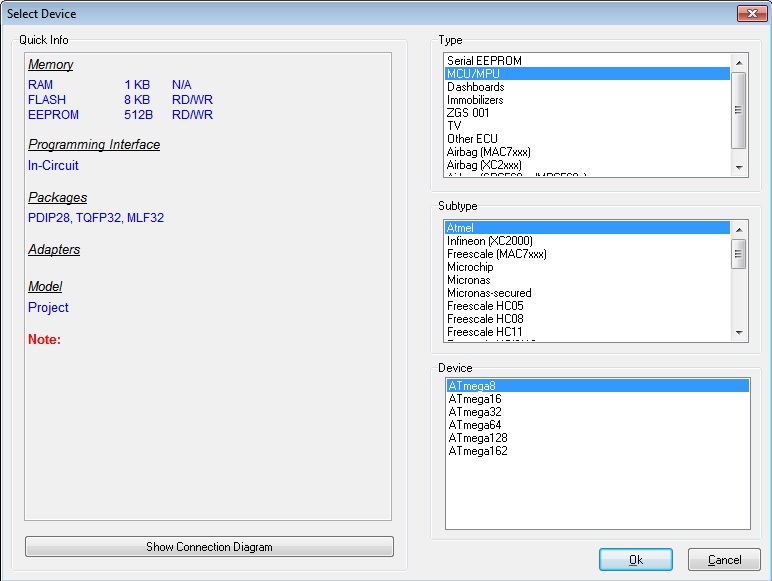
ATMEGA64 Repair Chip Update XPROG-M Programmer
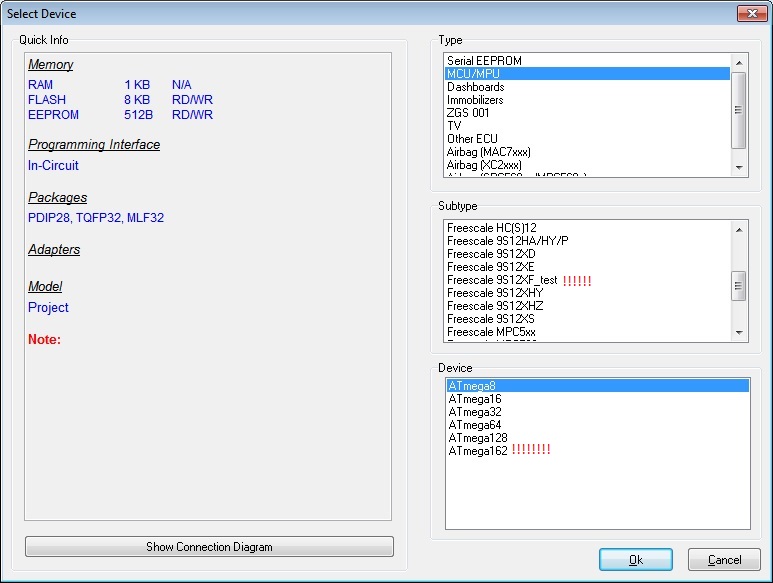
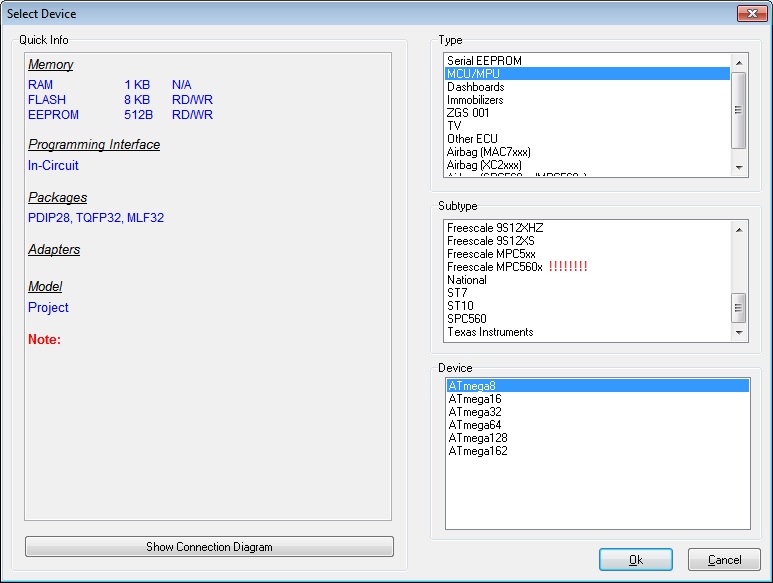
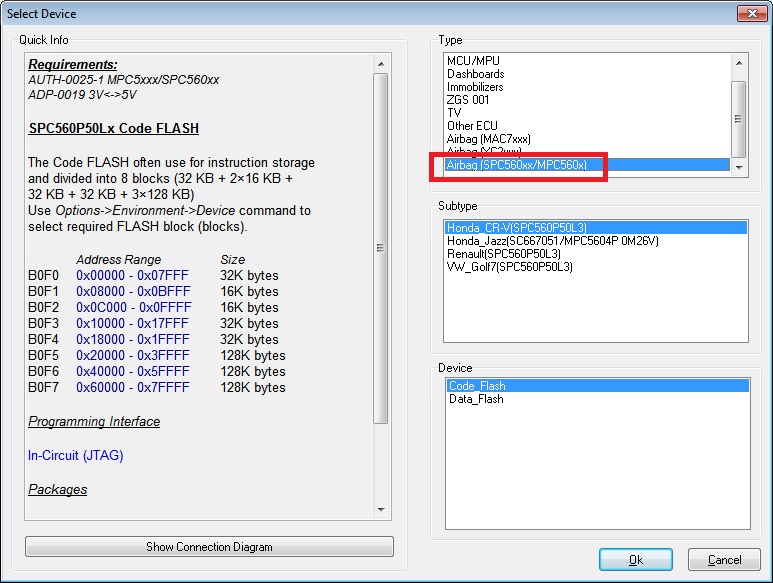
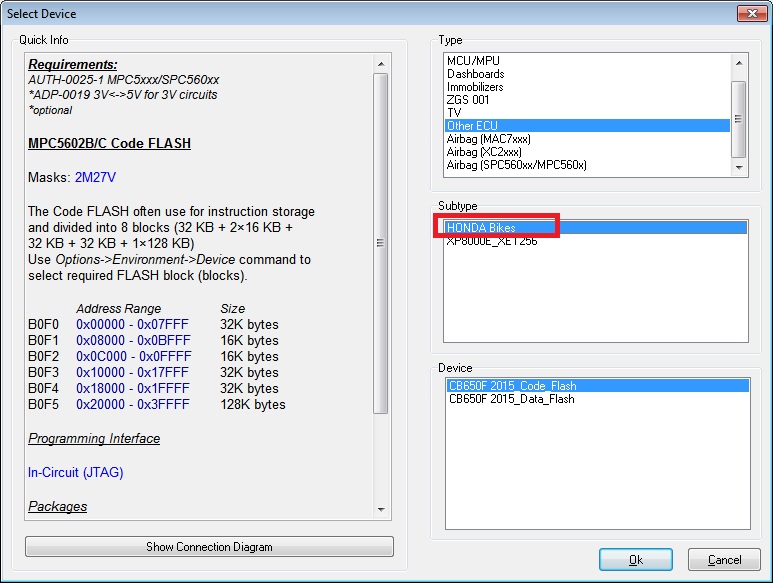
Genius touch map chiptuning
4. Support both petorl and diesel vehicles5. Available in both Master and Slave


Foxwell NT644 AutoMaster Pro
| Manufacturer | Diagnostic Function | EPB Service | Oil Light Reset Function |
| Chrysler | √ | √ | |
| Ford | √ | √ | |
| GM | √ | √ | |
| AU Ford | √ | ||
| Acura | √ | √ | |
| Daewoo | √ | ||
| Honda | √ | √ | √ |
| Hyundai | √ | ||
| Toyota | √ | √ | √ |
| Infinite | √ | √ | |
| Isuzu | √ | √ | |
| Kia | √ | ||
| Lexus | √ | √ | |
| Mazda | √ | ||
| Mitsubishi | √ | ||
| Nissan | √ | √ | |
| Scion | √ | √ | |
| Subaru | √ | ||
| Suzuki | √ | ||
| Abarth | √ | √ | |
| Alfa Romeo | √ | √ | |
| Audi | √ | √ | √ |
| BMW | √ | √ | √ |
| Bentley | √ | ||
| Bugatti | √ | ||
| Citroen | √ | √ | |
| Dacia | √ | ||
| EU Ford | √ | ||
| Fiat | √ | √ | |
| Jaguar | √ | √ | √ |
| Lancia | √ | √ | |
| Land Rover | √ | √ | √ |
| Maybach | √ | ||
| Maserati | √ | ||
| Mercedes Benz | √ | √ | √ |
| Mini | √ | √ | |
| Opel | √ | √ | √ |
| Peugeot | √ | √ | √ |
| Porsche | √ | ||
| Renault | √ | √ | √ |
| Saab | √ | √ | |
| Seat | √ | √ | |
| Skoda | √ | √ | |
| Smart | √ | √ | |
| Sprinter | √ | √ | √ |
| Vauxhall | √ | √ | √ |
OP-COM opcom 2010V firmware 1.59 installation step-by-step
OP COM USB diagnostic interface for Opel and Vauxhall firmware has newly updated to V1.59. Here is the step-by-step instruction on how to install opcom 1.59 software.
Software version (SW): 08/2010
Firmware version (FW): V1.59
How to install OP-COM 1.59 software?
1) Install Op-com driver
Open My Computer
Open OP-COM (E:) CD software
Create a new folder “op-com” on Local Disk (C:)
Copy all files in OP-COM CD to the “op-com” folder
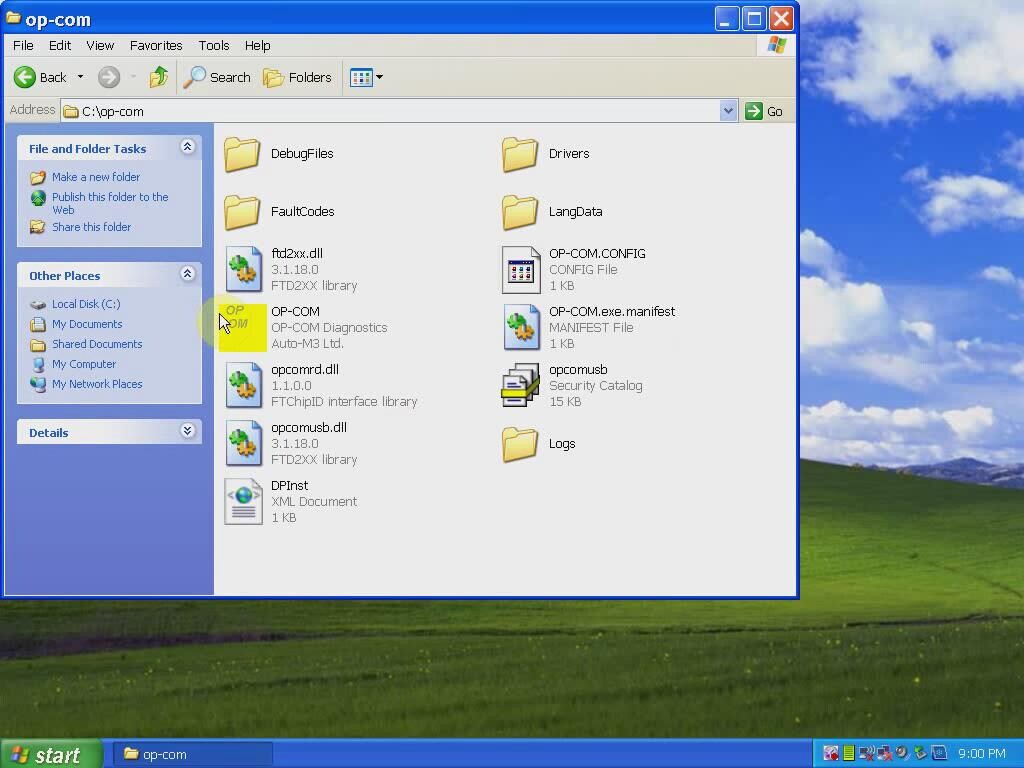
Send OP-COM Diagnostic software to Desktop (create shortcut)
Connect China clone OP-COM V1.59 interface with computer via USB port
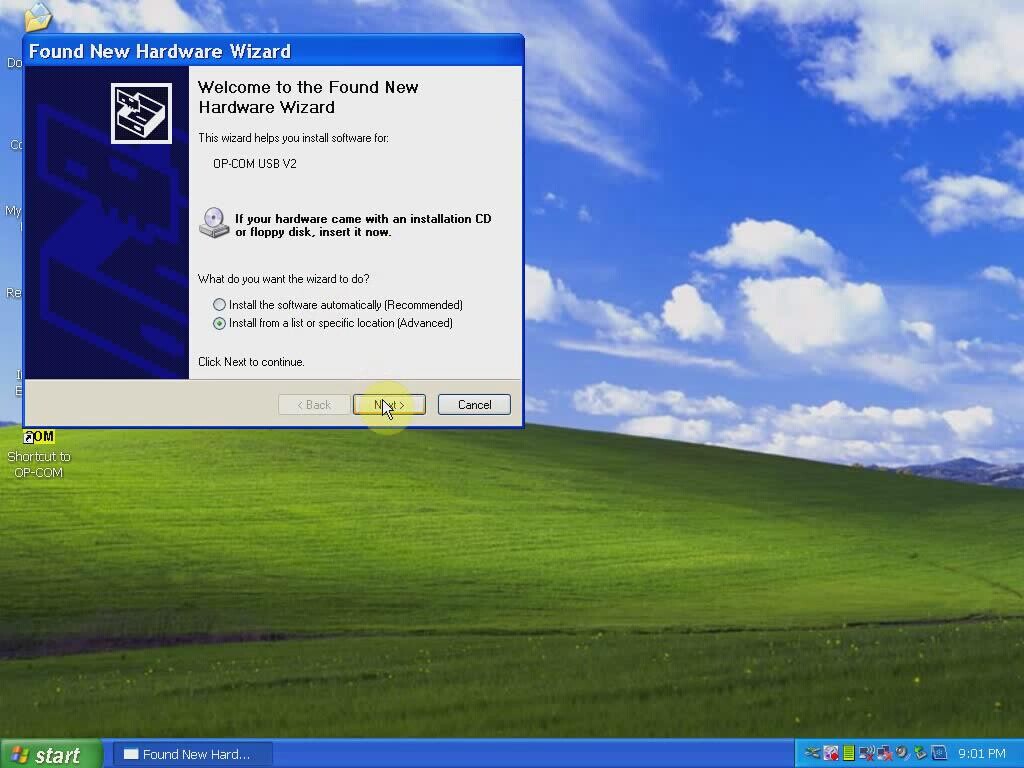
Wait the system to detect hardware wizard
Select “Install from a list or specific location (Advanced)”, click “Next”
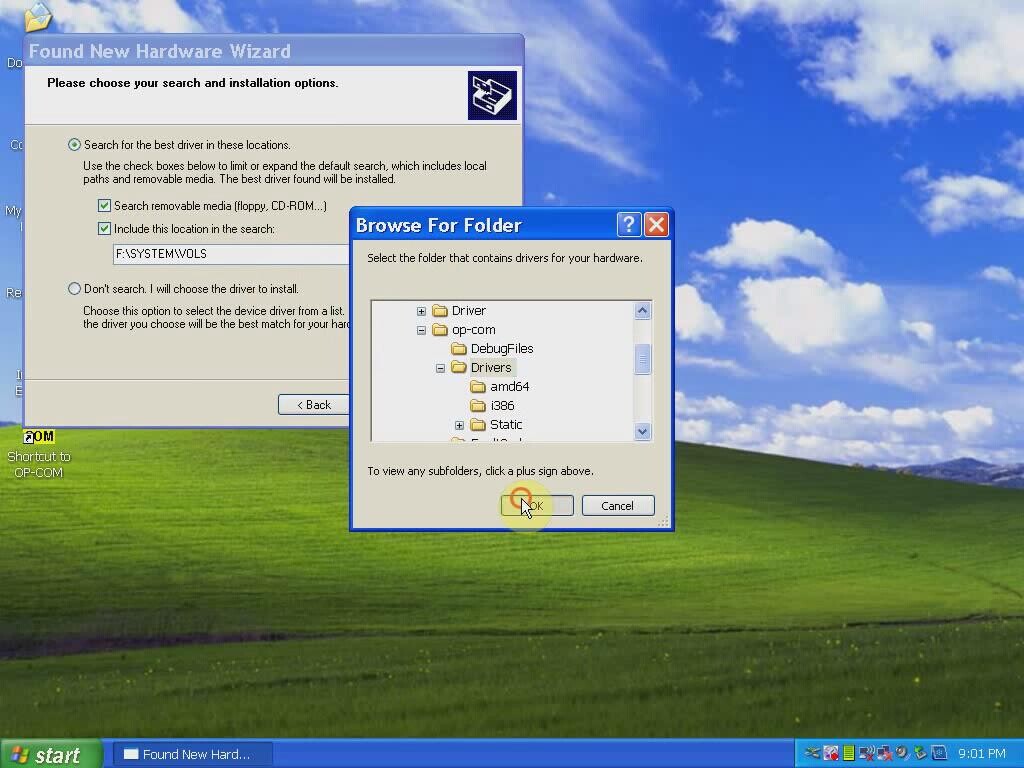
Include and browse location to C:﹨op-com﹨Drivers, click OK
Click “Next”
Click “Next”
Click “Finish” when opcom driver is completely installed
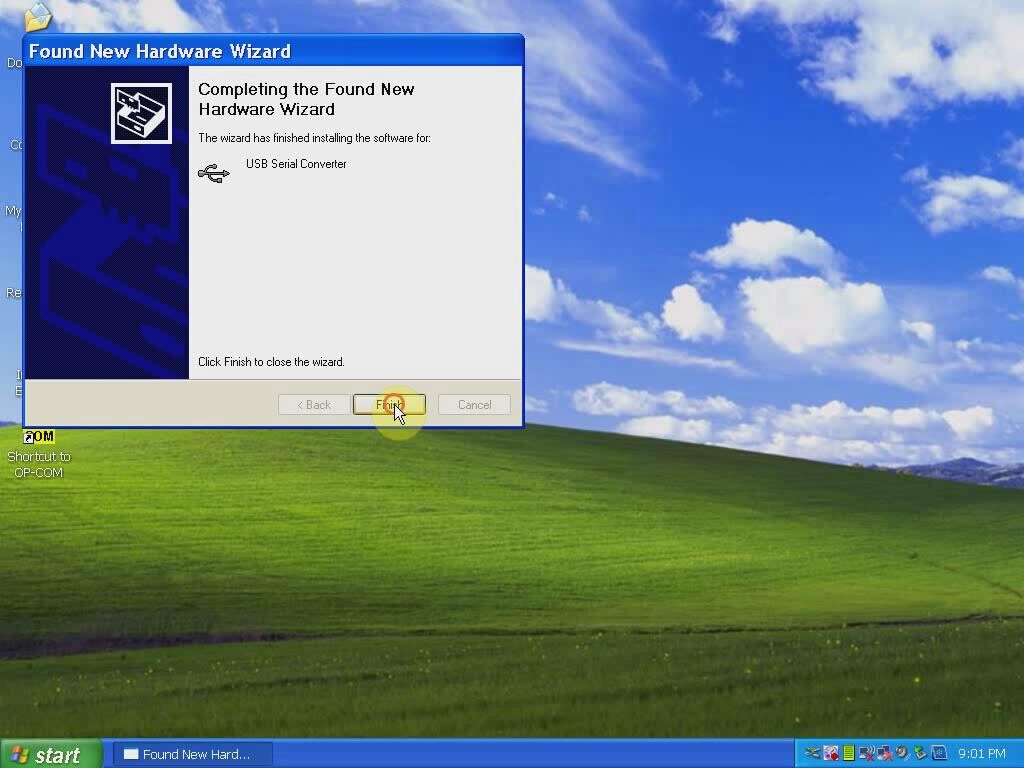
Open My Computer>>Manager>>Device Manager>>Universal Serial Bus controllers>>USB Serial Converter to make sure well communication is built

2) Run Op-com software and diagnose
Plug the op-com cable with vehicle via OBD diagnostic socket
Open “Shortcut to OP-COM” software on desktop
OPCOM CHINA-CLONE 08/2010
Click “Settings”

Click “Test Interface”, you will able to see the OPCOM serial number and firmware version V01.59
Click “Close”
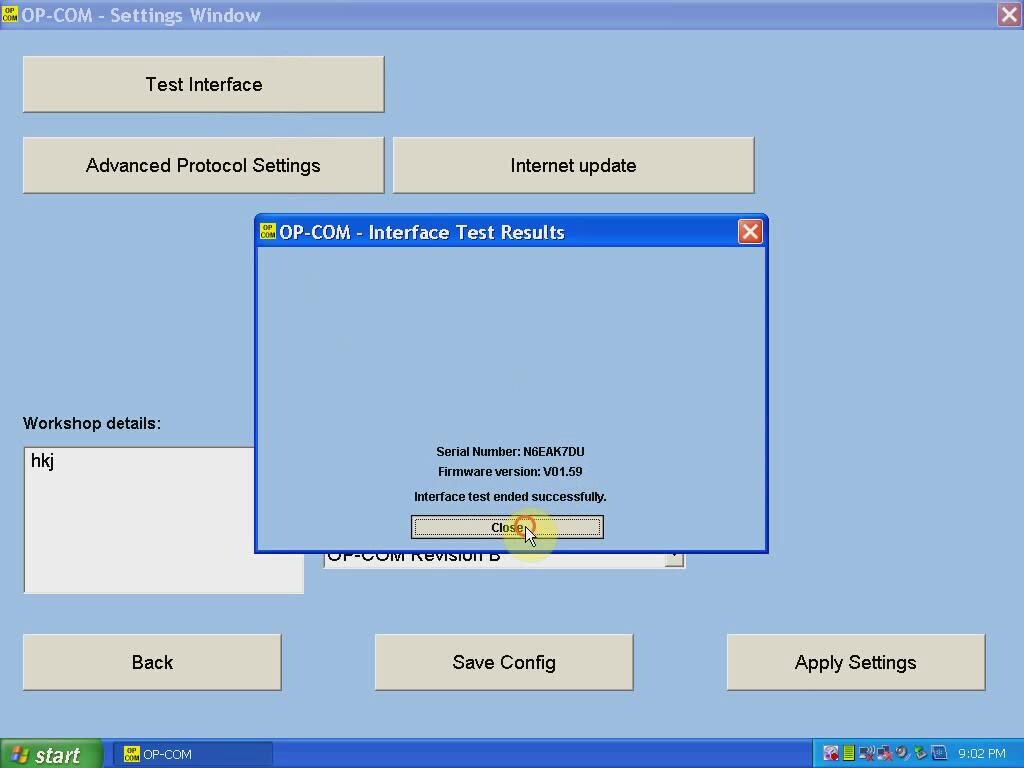
Click “Save Config”
OP-COM Configuration saved! Press “OK”

Back to Opcom software main menu
Select “Diagnostic” function
Select “Automatic Vehicle Identification”
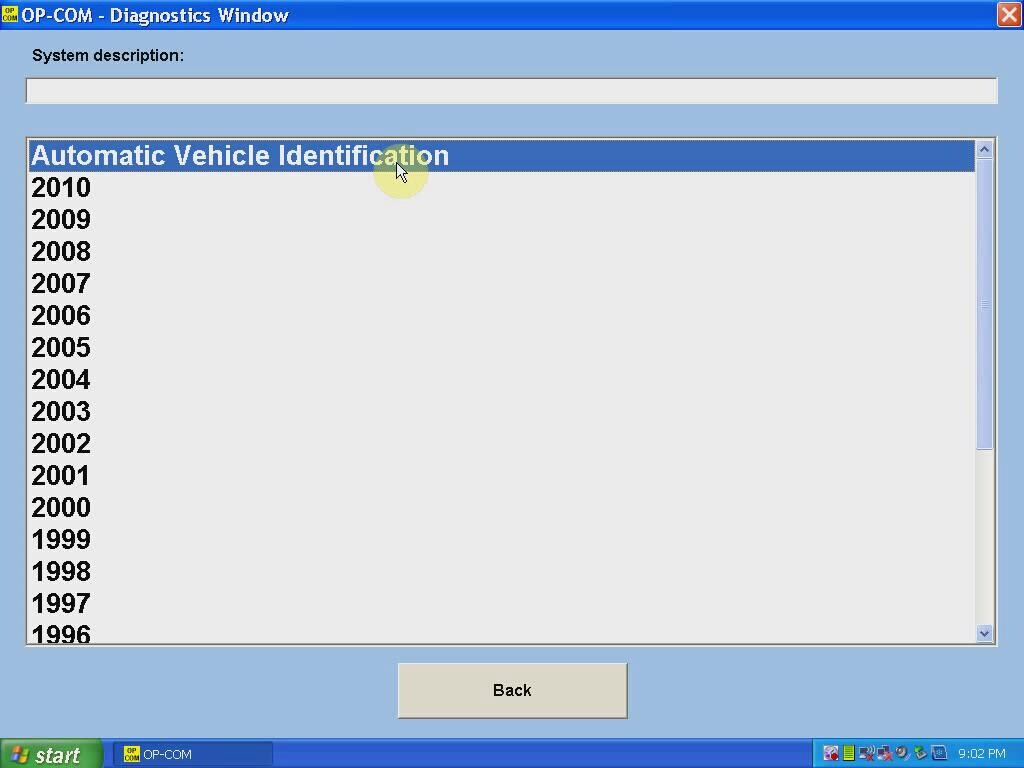
Select “KWP-2000” (K-line) or “CAN” and select diagnostic connector
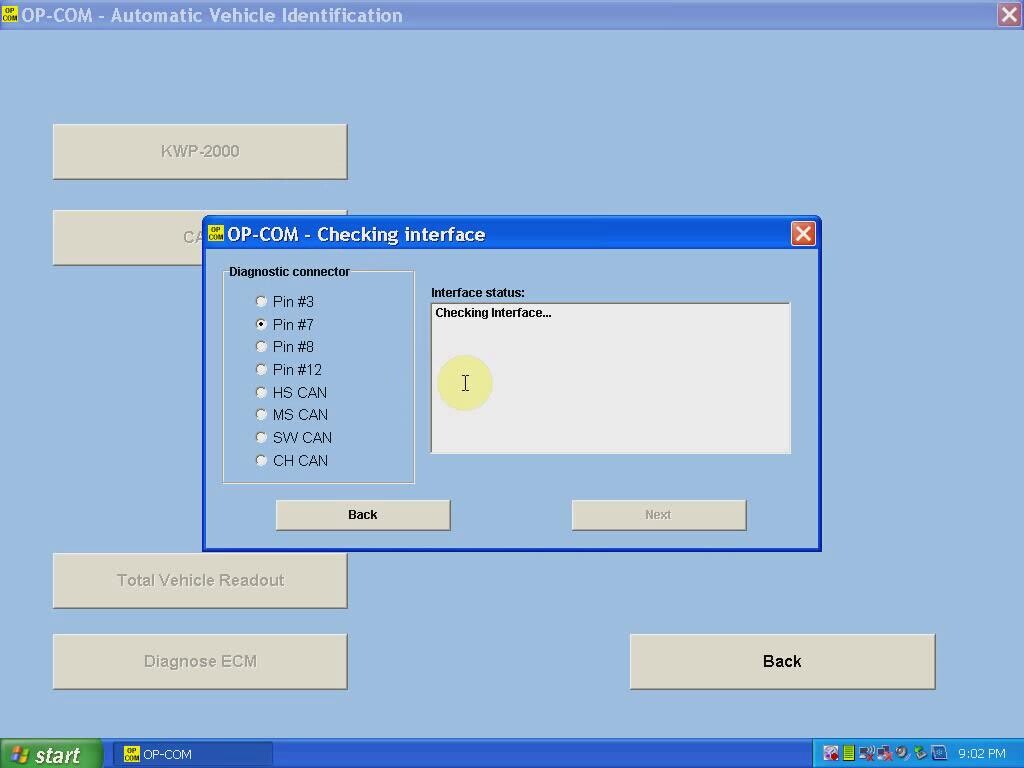
The op-com 2010V software will display vehicle information, VIN, model, engine code etc
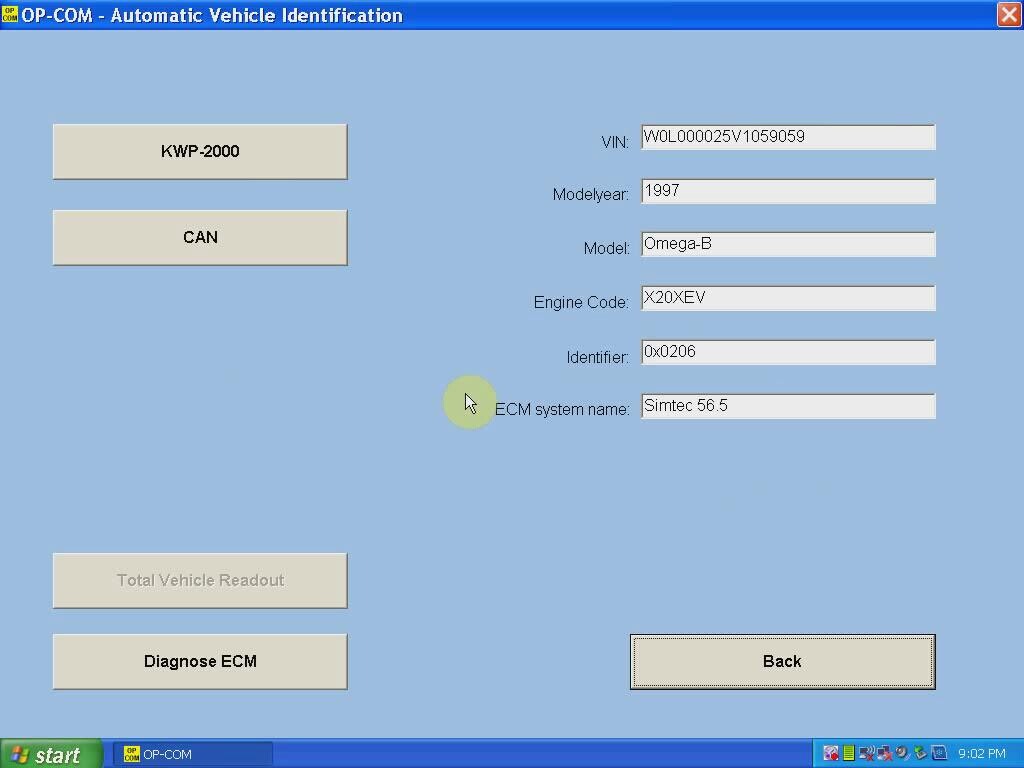
Click “Diagnose ECM” button
Select ECM type and diagnostic connector
Click “Fault Code”
Op-com will display all error codes stored in ECM
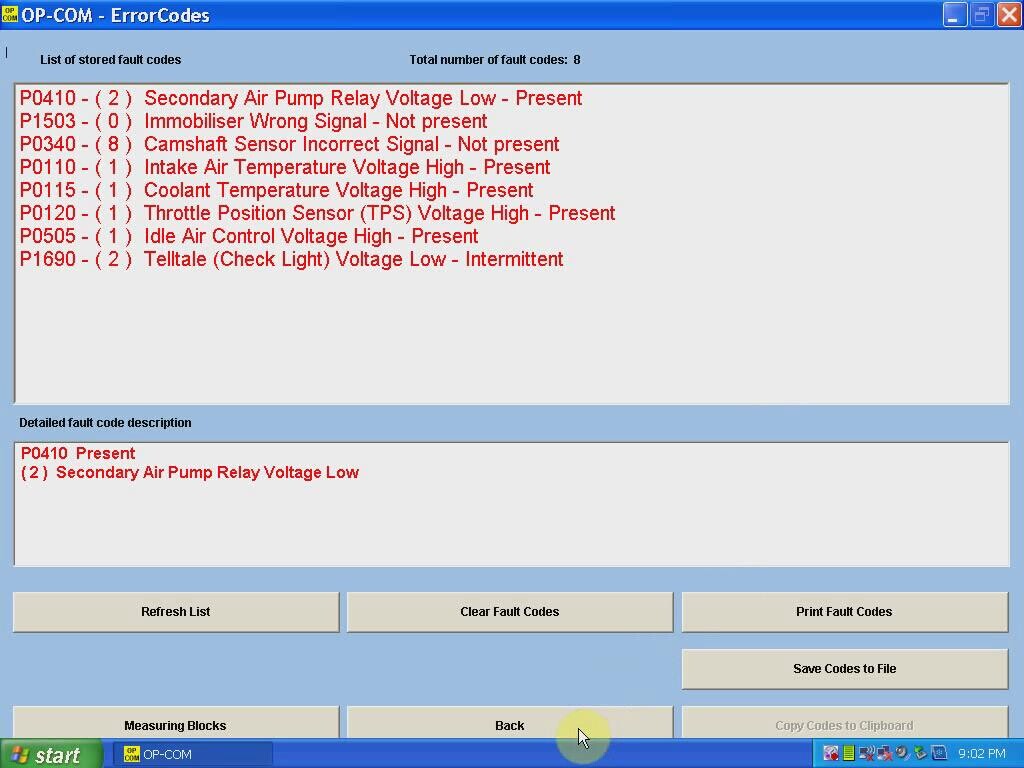
The click “Clear Fault Codes” to erase error codes
Perform other diagnostic functions or exit the software program
Unplug the op-com USB interface.